Know the network you just inherited.
SubnetSleuth reads a network's own devices, read-only and only inside the ranges you set, and turns what it finds into an inventory, a cabling map and documentation you can hand over. Add what your firewalls, cloud dashboards, Active Directory and vCenter already know, then ask Claude what it all means.
Windows 10 and 11 · no account or card needed for the trial · your data stays on your computer

Built for the day the network becomes yours
The network comes with a spreadsheet that was last right two years ago and a diagram of how somebody meant it to be. SubnetSleuth works out what is actually there.
Mergers and acquisitions
Inventory an acquired company's network in days, not weeks, and walk into integration planning with facts.
Managed service providers
Onboard a new client the same way every time: one project per site, a map, a hardware list and a handover pack.
Handovers and new roles
Take over from a departing engineer or start a new job with your own picture of every subnet, VLAN, link and host.
Documentation that stays current
Rescan, compare with last month, and export an Excel workbook, a draw.io diagram or a PDF whenever someone asks.
From address ranges to a documented network
Point it at your ranges
Give it the subnets you are responsible for and a read-only SNMP credential. Exclusions are honoured everywhere.
It maps what is there
Devices, interfaces, LLDP/CDP cabling, routes, VLANs, MAC and ARP tables, then every host, identified and typed.
Add what the platforms know
Pull firewalls, managers, cloud dashboards, the domain, DNS, DHCP and vCenter in. Their subnets join the next scan.
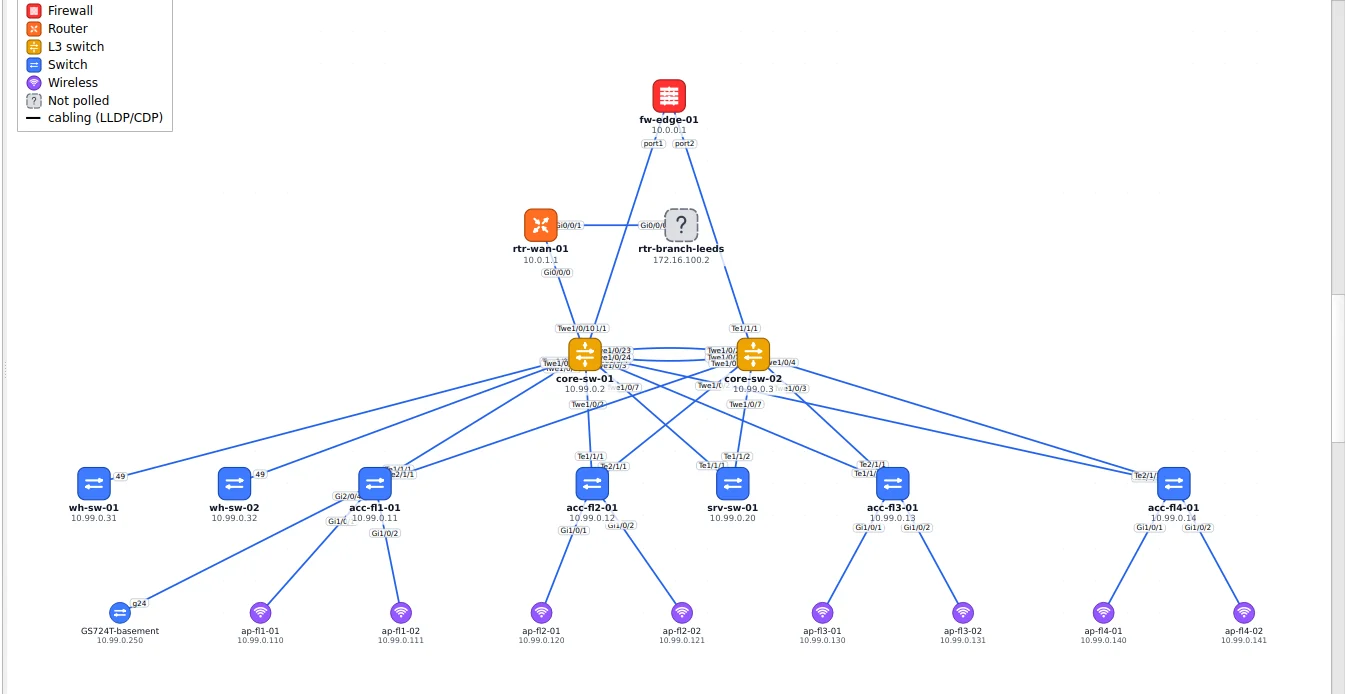
A map that is drawn from the cabling, not from memory
Physical and logical views built from what the switches and routers report about their neighbours. Redundant pairs sit side by side, hosts gather under the switch port they were seen on, and even a 1,600-node campus stays readable.
- LLDP, CDP, MAC tables and routes, cross-checked
- Site-to-site VPN tunnels drawn from the firewalls, green or red
- Trace the path between any two addresses
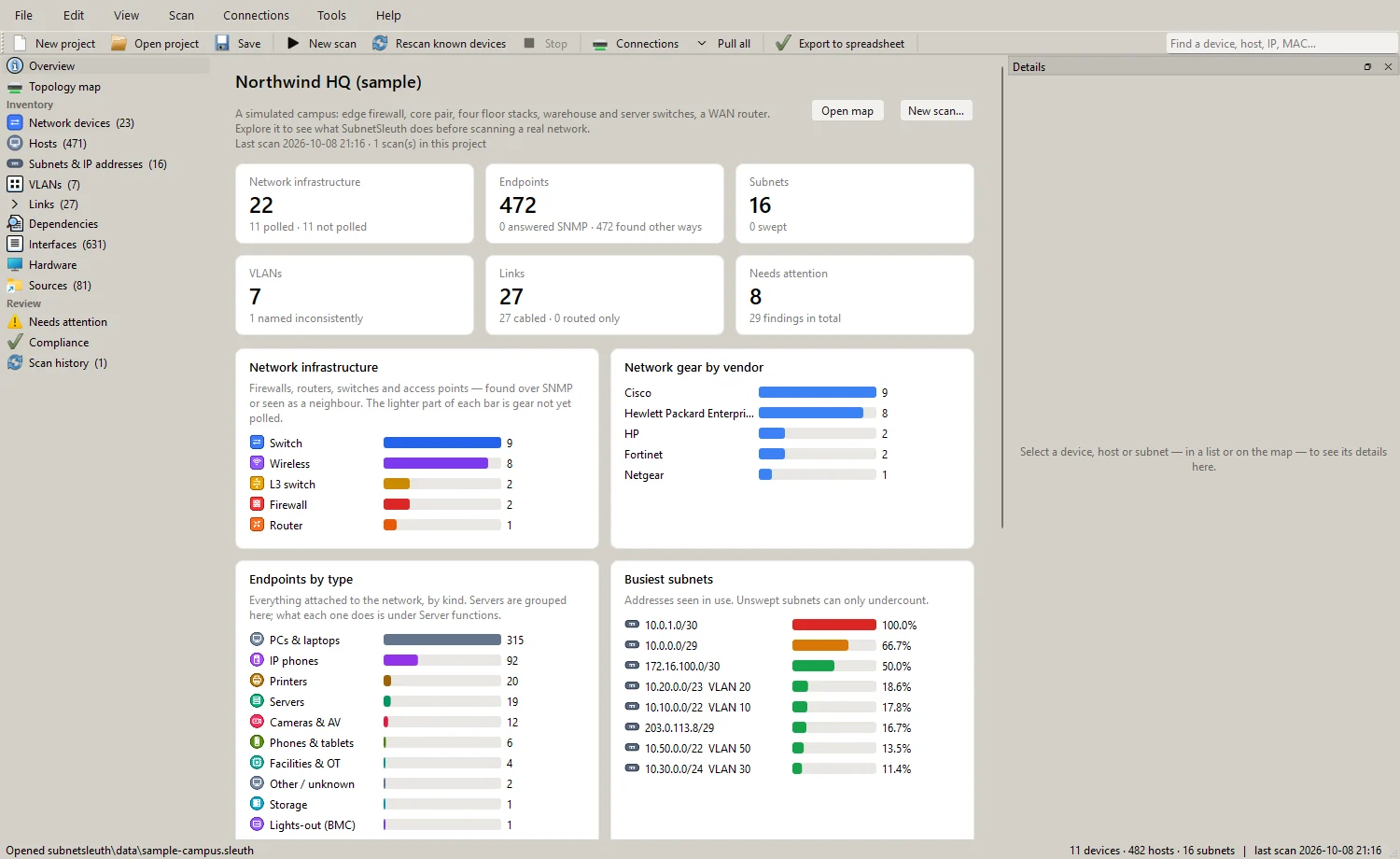
Every device, host, subnet and VLAN in one project
Models, serials, firmware and end-of-support dates for the network gear; every endpoint identified as a PC, phone, printer, camera, server or controller, with the evidence for it. Notes, owners and asset tags stay with the project through every rescan.
- Subnet maps showing which addresses are in use, and by what
- Compare two scans: what appeared, moved or disappeared
- Reconcile against the asset list you were handed
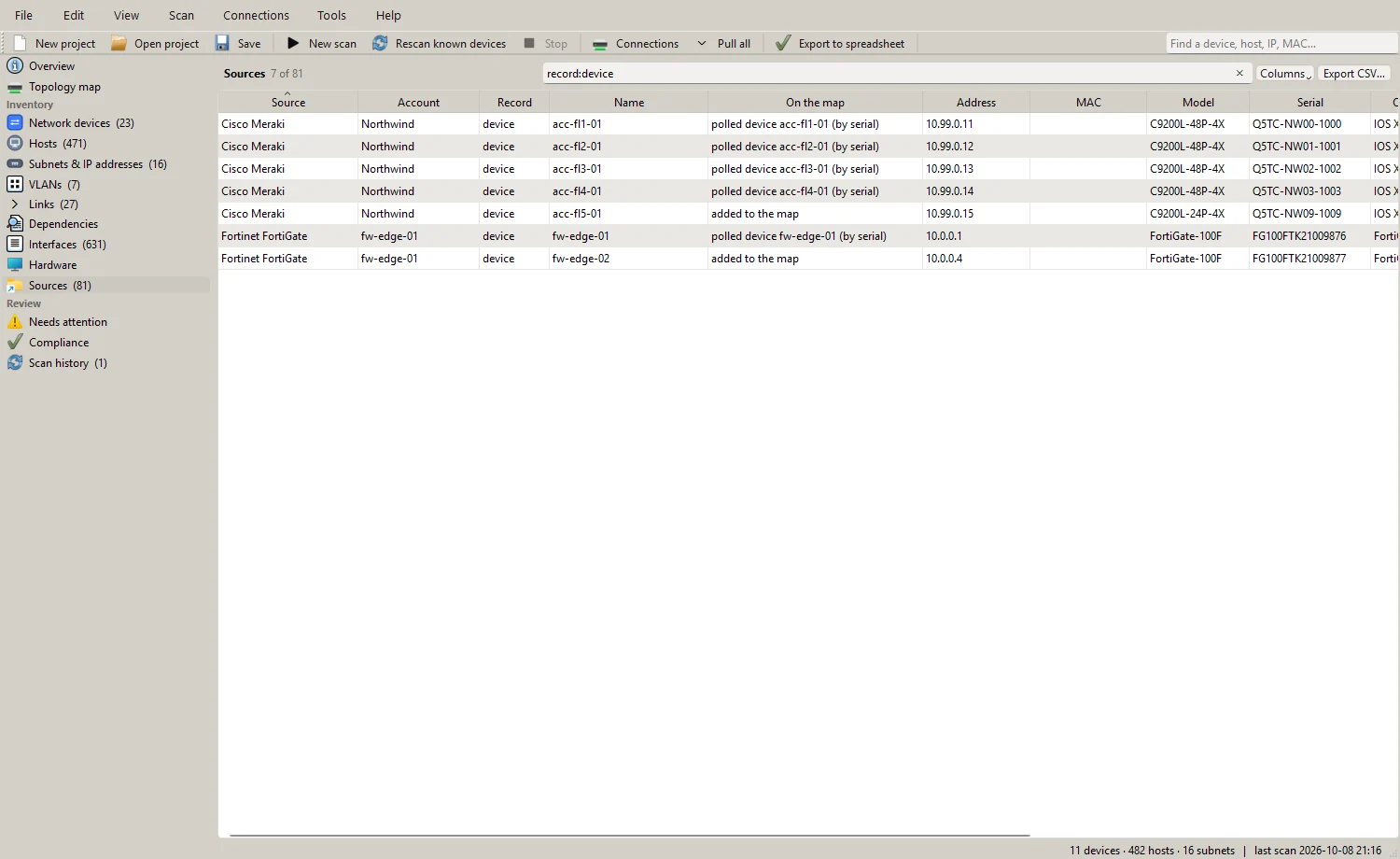
What your firewalls and dashboards already know
Connections to firewall managers, cloud dashboards, Active Directory, Windows DNS and DHCP, and vCenter fill the gaps a scan cannot reach: offline gear, cloud-managed switches, clients, leases and named objects. Each record is matched to what the scan found, and the differences are shown.
- One place for every connection and credential
- Read-only API calls, checked against an allow list
- After a pull, its subnets are scanned and its devices polled
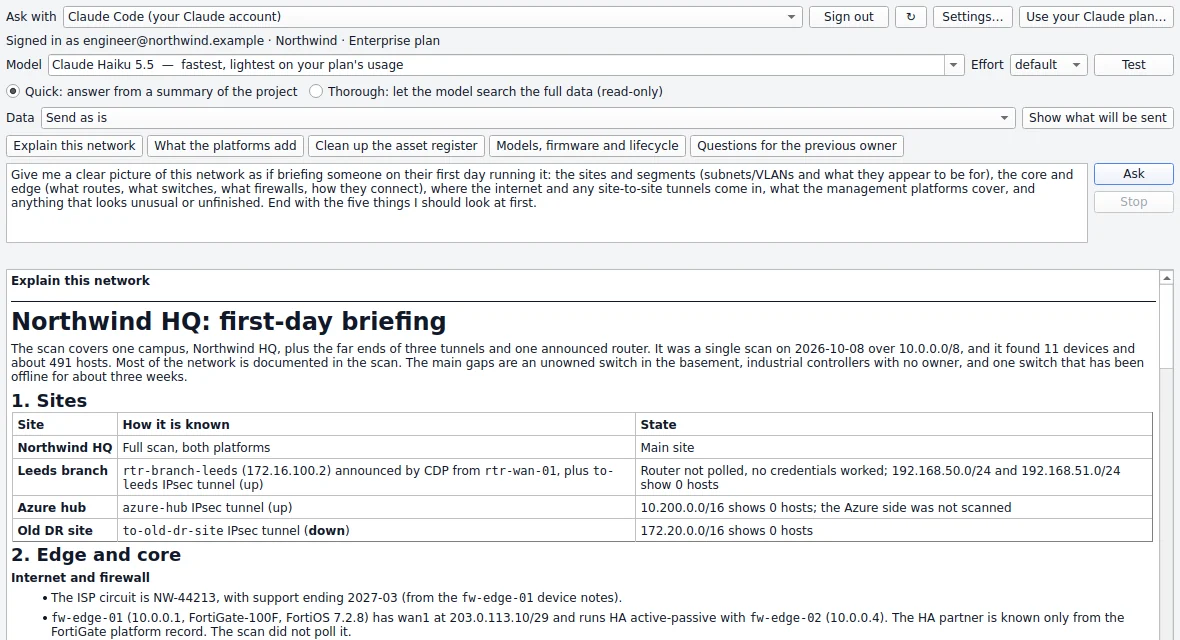
Ask what it all means
"Explain this network", "what do the platforms know that the scan does not", "questions for the previous owner". Answers come from your own data, through Claude on your Claude plan (Claude Code, Claude Desktop or Cowork), Claude through an API or a cloud platform, or another AI service you choose. It is optional and off until you set it up.
- Preview exactly what would be sent; mask addresses and names
- Read-only: the model can search the project and nothing else
- Claude Desktop and Cowork read your project through a local connector
An 80-second tour
A live scan of a simulated campus, then the map, a device, a host, a subnet, a path and a deep scan.
Reads the systems you already run
Each one is optional. A scan needs nothing but SNMP.
Network and infrastructure
AI, if you want it
Safe to run on a network you do not know yet
SubnetSleuth was built for networks where you cannot afford a surprise.
It only reads
SNMP gets and walks, read-only API calls checked against an allow list, fixed read-only scripts. Nothing on a device or platform is changed.
It stays in scope
Every step that sends a packet checks the scope, the target ranges and the exclusions first. A credential can be limited to the networks it belongs to.
It keeps secrets secret
Credentials are encrypted with Windows DPAPI, never written to a project file, and masked in the log. Every use is recorded.
Questions people ask first
Does it install anything on my network?
No. SubnetSleuth runs on your Windows computer and talks to devices with standard read-only protocols (SNMP, and optionally the platforms' own read-only APIs, SSH or WinRM with credentials you provide). There are no agents to deploy.
What does it need to get started?
The address ranges you are responsible for and a read-only SNMP credential (v2c community or SNMPv3 user). Everything else, such as platform connections, Nmap and AI, is optional.
Where does my data go?
Nowhere. Projects are files on your computer, and credentials are encrypted on it. The only thing SubnetSleuth ever sends to us is a check for a newer version, when you ask for one. AI features send data only to the AI service you configure, only when you ask, after showing you what would be sent.
What happens when the trial ends?
Scanning, pulling and asking stop until you add a licence. You can still open, view, edit and export every project you made: your data is never locked away.
See your network the way it really is
Every feature, free for 14 days. Then $490 per user per year.